
- Home
- How It Works
How it works
From first visit to a monitored investment
The real process, step by step: request access, receive your credentials, sign in, fund your account, choose a plan and follow your investment from your dashboard.
The process
Five steps, start to finish
Each step happens on this site: no offline paperwork, no third-party portals.
-
Request access
Open the request-access page and submit your full name, email address and phone number. This is how every account starts: access is requested, not self-served with a password you choose.
Real form fields: full name · email · phone -
Receive your credentials by email
When your account is created, sign-in details are generated and sent to the email address you registered. Check your inbox and your spam folder for the message containing your login details.
Keep these details private. Support will never ask for your password. -
Sign in to your dashboard
Go to the login page and enter your registered email and the password you received. Your dashboard opens with your wallet balances, portfolio value, live markets and account status.
Sessions expire after a period of inactivity for your security. -
Fund your account
From the funding page, choose a funding method, follow the instructions shown, then submit your payment details so the transaction can be recorded against your wallet.
See: funding & withdrawals explained -
Choose a plan and monitor it
Review the investment plans available to your tier, read the terms and risks, and invest. Your dashboard then shows the active investment with its progress towards maturity, plus every transaction on your account.
See: investment plans & terms
Interface previews
The real screens you will use
These are the actual pages on this site. What you see below is exactly what loads in your browser.
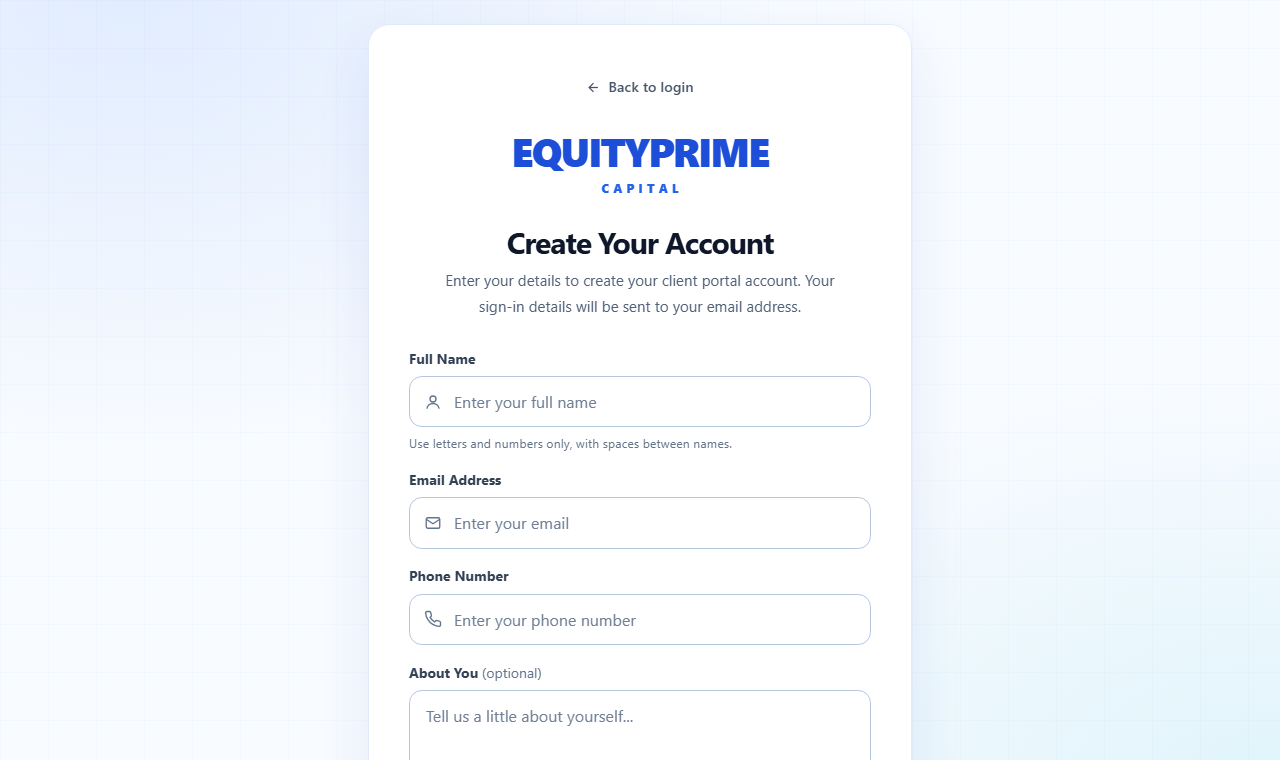
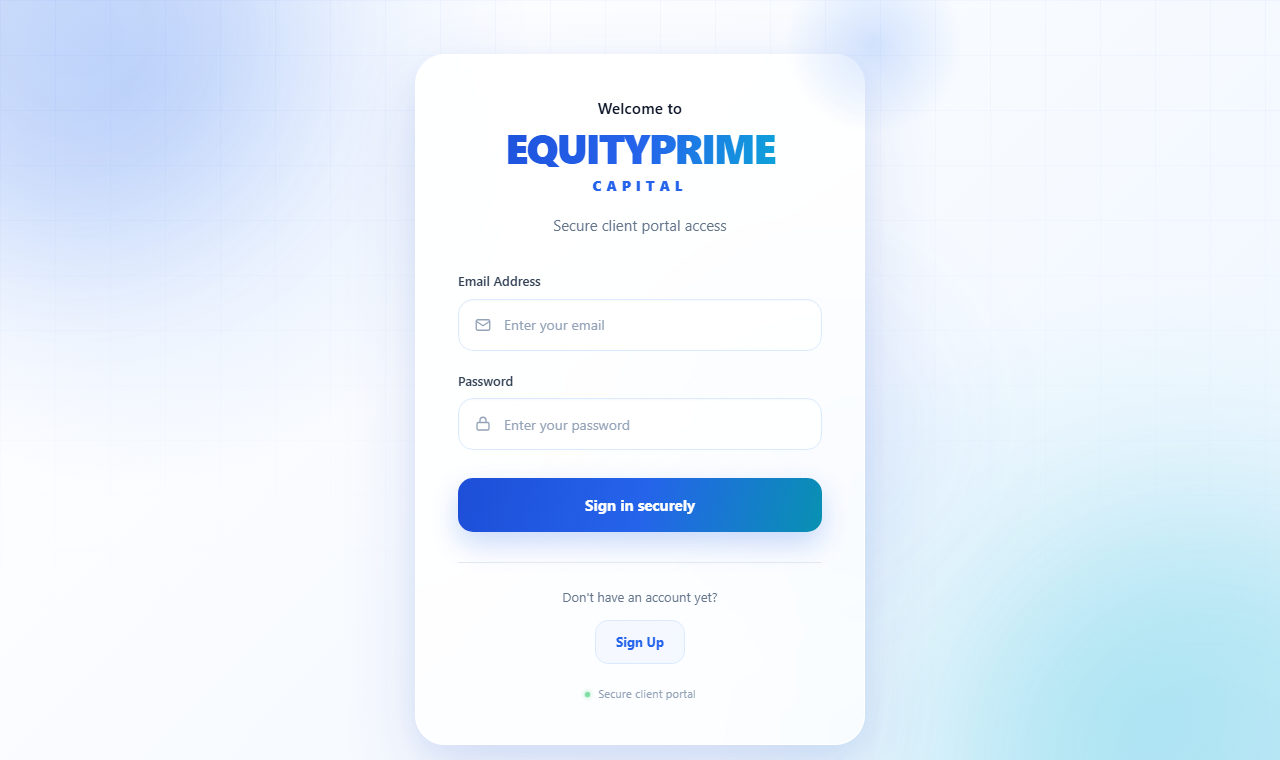
Why sign-in first? Your dashboard contains your own balances and investment records, so it only ever appears after authentication, which is why no screenshots of client dashboards appear on this public page.
Once you are inside
Navigating the platform
The signed-in experience is organised around the things clients actually do. Every area is reachable from the dashboard navigation.
- Dashboard. Welcome, balances, portfolio value, live markets, performance, quick actions and recent activity.
- Investments. Browse plans your tier allows and follow active investments.
- Fund account. The three-step funding flow with instructions at each stage.
- Transactions. Your complete, ordered transaction history.
- Withdraw. Request a withdrawal with your receiving details and the amount.
- Support. A direct support channel from inside the account.
Good to know
- Terms come before commitment. Every plan shows its values before you invest.
- Tiers gate access. Which plans you can select depends on your account tier.
- Everything is recorded. Funding, transactions and investments appear in your history.
- Support is one click away. Published channels, before and after sign-up.
Common questions
Before you start
Do I choose my own password?
No. Sign-in credentials are generated and issued to your registered email address when your account is created.
Can I see plans before signing up?
Yes. The investment plans page lists every plan with its live database values, terms and risks, with no sign-in required to read them.
What do I need to register?
Your full name, email address and phone number, submitted through the request-access form.
How long does sign-in last?
Sessions expire after a period of inactivity, and you can sign out at any time from your dashboard.
Where do I get help?
Visit the contact page for current support channels.
Get started
Take the next step toward a more informed investment strategy.
Review the packages, read the terms and risks, then sign in or request access.
Already have access? Login